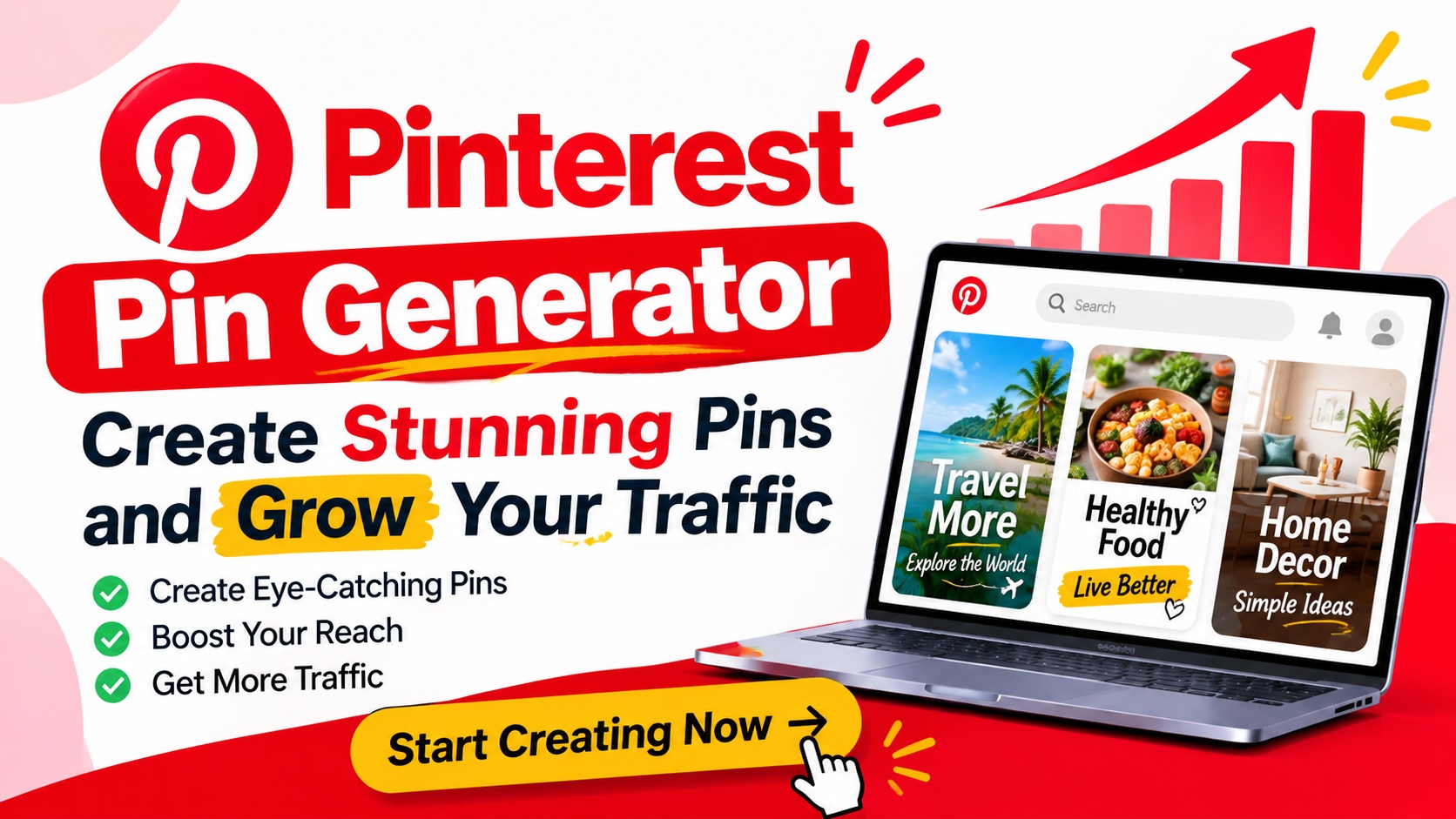
Finding the best Pinterest pin generator can make a big difference in your online growth. Pinterest is a great place to share ideas, promote products, and bring more visitors to your website. But making new pins every day can take a lot of time. A good pin generator makes this task easy by turning simple text, images, and links into eye-catching designs. You do not need to be a skilled designer to get started. With the right tool, you can create fresh pins in less time and keep your Pinterest account active.
Pinterest users often look for new ideas, useful tips, and products that match their needs. This means your pins should look clear and share a message that is easy to read. A smart generator can help you build pins with the right size, colors, text, and images. It can also help you keep a steady style across all your posts. Whether you run a blog, online shop, or small business, the right tool can help you reach more people and grow your brand.
What Is a Pinterest Pin Generator?
A Pinterest pin generator is a tool that helps you create images for Pinterest posts. It gives you ready-made layouts, text styles, and design options. You can add your own photos, write a title, and change the colors to match your brand. Some tools also let you use a website link to get ideas for your pin design. This makes the full process much faster than making each image from the start.
Many pin generators are made for both new and skilled users. You can pick a design, add your content, and save the final image in a few steps. Some tools also use AI to suggest titles, images, and short text for your pins. These features can help when you do not know what to post next. The main goal is to make pin design simple, fast, and easy to manage.
Why You Need the Best Pinterest Pin Generator
Making good pins takes more than adding a photo and a few words. Your design needs to catch the eye and tell people what they will find after they click. A strong pin generator gives you the tools to do this with less effort. You can test new styles, use fresh images, and make more posts without spending hours on design work. This is useful for bloggers, shop owners, and content creators who want to grow their reach.
A good tool also helps you stay on track with your posting plan. You can make several pins in one session and save them for later use. This means you do not have to start from zero every time you want to share a new post. You can also make more than one pin for the same page by using new titles, colors, or images. Over time, this gives you more ways to reach people who search for topics in your niche.
Key Features to Look for in a Pinterest Pin Generator
Before you choose a tool, look at the features it offers. A good generator should have ready-made templates, simple editing tools, and clear image options. You should be able to change the text, font, colors, and layout with ease. It should also let you add your own logo and brand colors. These small details help your pins look neat and easy to know.
Image size is another key point. Pinterest works best with tall images that fit well on mobile screens. Look for a tool that lets you make pins in the right size without losing image quality. Some tools also offer AI text ideas, image edits, and smart design tips. If you post on more than one site, it may help to choose a tool that can resize your design for other social media pages.
How to Create Better Pinterest Pins in Less Time
The first step is to choose a clear topic for your pin. Think about what your target users want to learn, find, or buy. Then write a short title that tells them what the post is about. Keep the words simple and easy to read. A good title can help users know why they should click on your pin.
Next, choose an image that fits your topic. Use clear photos and avoid busy designs that make the text hard to read. Add your title in a place where it can be seen at a glance. Pick colors that work well together and make sure your words stand out from the background. Once the design looks good, add your website link and save the pin.
You can also make a few versions of the same pin. Try a new title, a different photo, or a fresh color set for each version. This lets you test which design gets more views and clicks. Keep the best results and use them to guide your next set of pins. A simple plan like this can help you improve your content over time.
How Pinterest Pins Help Grow Website Traffic
Pinterest can help bring new visitors to your website when your pins match what people search for. Each pin gives users a chance to find your content and visit your page. This is why the image, title, and link should all work together. If your pin makes a clear promise, your page should give users the value they expect. This helps build trust and gives people a reason to stay on your site.
For online shops, pins can show new items, product tips, gift ideas, and deals. Bloggers can use them to share guides, recipes, and useful posts. Small brands can also use pins to show what they do and why people should care. If your shop uses clear customer data to guide its marketing, you can make better choices about which products to show. A service such as a can help retail brands build better data flows and understand their buyers. This can support a stronger plan for both product content and visual marketing.
Best Practices for SEO-Friendly Pinterest Pins
Pinterest is more than a place to share images. People also use it to search for ideas and find new content. This makes keywords an important part of your pin plan. Add your main keyword to the pin title when it fits in a natural way. You can also use related words in the pin text and board name. Do not add too many keywords just to rank. Your text should still sound clear and useful.
Your pin should link to a page that matches the image and title. If you share a pin about home design, the link should lead to a page about home design. Make sure the page loads well on phones and gives users the facts they need. Use clear images and write a short page title that matches the topic. These steps can make the full path from Pinterest to your website better for users.
It is also a good idea to check your Pinterest stats from time to time. Look at which pins get the most views, saves, and clicks. These numbers can show you what your audience likes. Use what you learn to make new pins with better titles and images. Keep testing, but give each pin enough time to show how it performs.
How to Choose the Right Pinterest Pin Generator for Your Needs
The best tool for you will depend on your goals and budget. If you are new to Pinterest, start with a simple tool that has free templates and easy editing options. You may not need a paid plan right away. Try a few designs and see if the tool helps you make good pins without much effort. If it meets your needs, you can keep using it as your account grows.
If you run a large shop or manage many client accounts, you may need more advanced features. Look for batch design, brand kits, team access, and post scheduling. These features can save time when you need to make many pins each week. Also, check if the tool lets you save your work and use old designs again. Good support and fair prices are worth a look too.
Do not choose a tool just because it has the most features. Pick one that fits your daily work and makes design easy. The right pin generator should help you make better content, save time, and stay active on Pinterest. Start with your main needs, test the tool, and upgrade only when you need more options.
Frequently Asked Questions
1. What is the best Pinterest pin generator for beginners?
The best tool for a new user is one that has simple templates and easy editing options. You should be able to add text, photos, and colors without any design skills. Look for a free plan so you can test the tool before you pay. A simple tool is often enough to start making good pins.
2. Can I use AI to create Pinterest pins?
Yes, many tools now use AI to help make Pinterest pins. They can suggest titles, write short text, and help you pick a design style. Some tools can also make images from text ideas. You should still check the final design to make sure the text is right and the image fits your topic.
3. What size should a Pinterest pin be?
A common size for a standard Pinterest pin is 1000 × 1500 pixels. This gives you a tall image with a 2:3 ratio. It works well on mobile screens and gives enough room for a clear title and image. Always check your design before you post it.
4. Can a Pinterest pin generator help increase website traffic?
Yes, a pin generator can help you make more pins and keep your account active. Good images and clear titles can help people notice your posts. When you add the right link, users can visit your website for more details. Results depend on your content, keywords, audience, and how well your pins match their needs.
5. Are free Pinterest pin generators good enough?
Yes, free tools can be a good choice for new users and small brands. Many offer templates, text edits, image tools, and basic design features. If you need team access, batch design, or more brand options, a paid plan may be better. Start with a free tool and upgrade when your work needs more features.
Leave a Reply